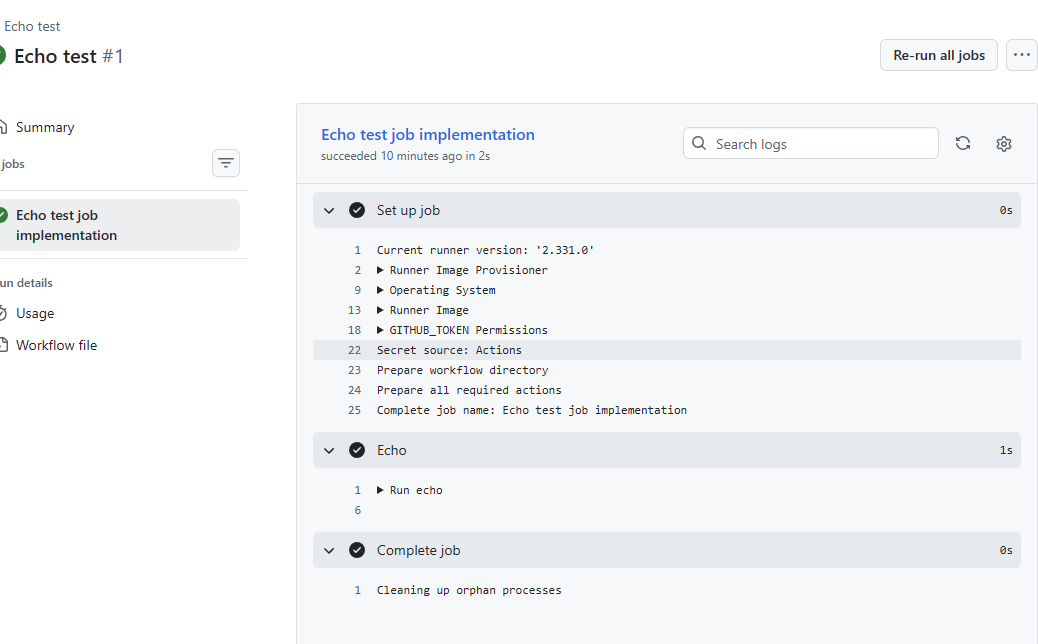
GitHub Actions - Part 1

Starting a series of posts on working with GitHub Actions. One of the key things is that the yml inputs for an action has a variety of triggers, but when working on a workflow I suggest always starting with a way to manually trigger an action.
For this you should configure your action to use workflow_dispatch like so
name: Echo test

on:
  workflow_dispatch:
    inputs:
      secretKey:
        description: 'Secret Key Name'
        default: ''

env:
  LOCATION_ID: ${{ inputs.secretKey || 'LOCATION_IQ' }}

jobs:
  test-job:
    name: Echo test job implementation
    runs-on: ubuntu-latest
    steps:
      - name: Echo
        id: echo-test
        run: |
          echo ${{ secrets[format('{0}', env.LOCATION_ID)] }}
Note in the above I am taking an inputs with the name Secret Key Name and also later doing a lookup from input or default by using the GitHub secrets variable with this line ${{ secrets[format('{0}', env.LOCATION_ID)] }} it's a nice helper function for doing testing before you may have the secret loaded into your repository settings.
- Create a new file in your repository
./github/workflows/<name.yml> - Go to the Actions tab
If you are working off a branch code for this you should use the gh command line tool to register your workflow. Suppose your branch is named action-test then it would look like this gh workflow run "Echo test" – ref action-test -f secretKey=abc
If this is merged into your main branch you will have the action setup already
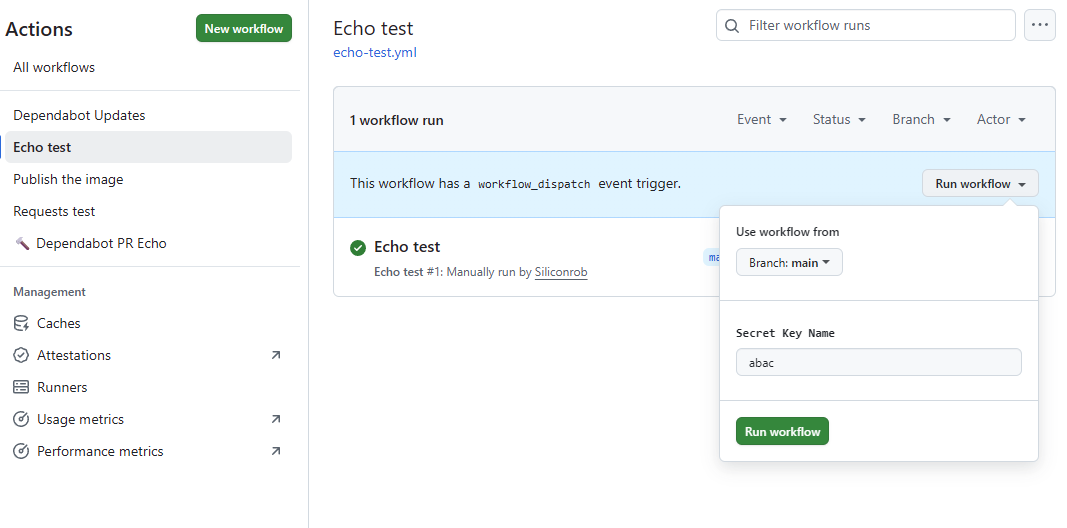
- Find the new workflow by name
Echo test - Click the
Run workflowbutton and fill in details if you want
The workflow run will look like this
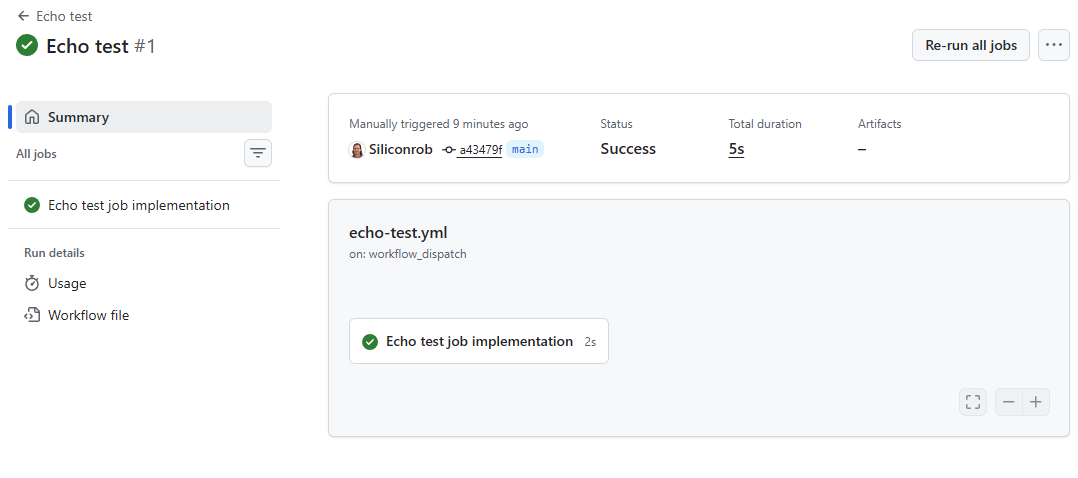
Details